Desktop automation for Windows
Set a trigger — a hotkey, an image on screen, a colour bar, a timer — and Polter Click takes it from there: clicking, typing, and watching in your place.
// what actually happens when it fires
What it is
Most macro recorders replay a fixed sequence and hope the world stayed still. Polter Click is built around the opposite idea: a macro is a set of steps that wait for something — an image appearing, a bar dropping below a level, a key being held — and only then act.
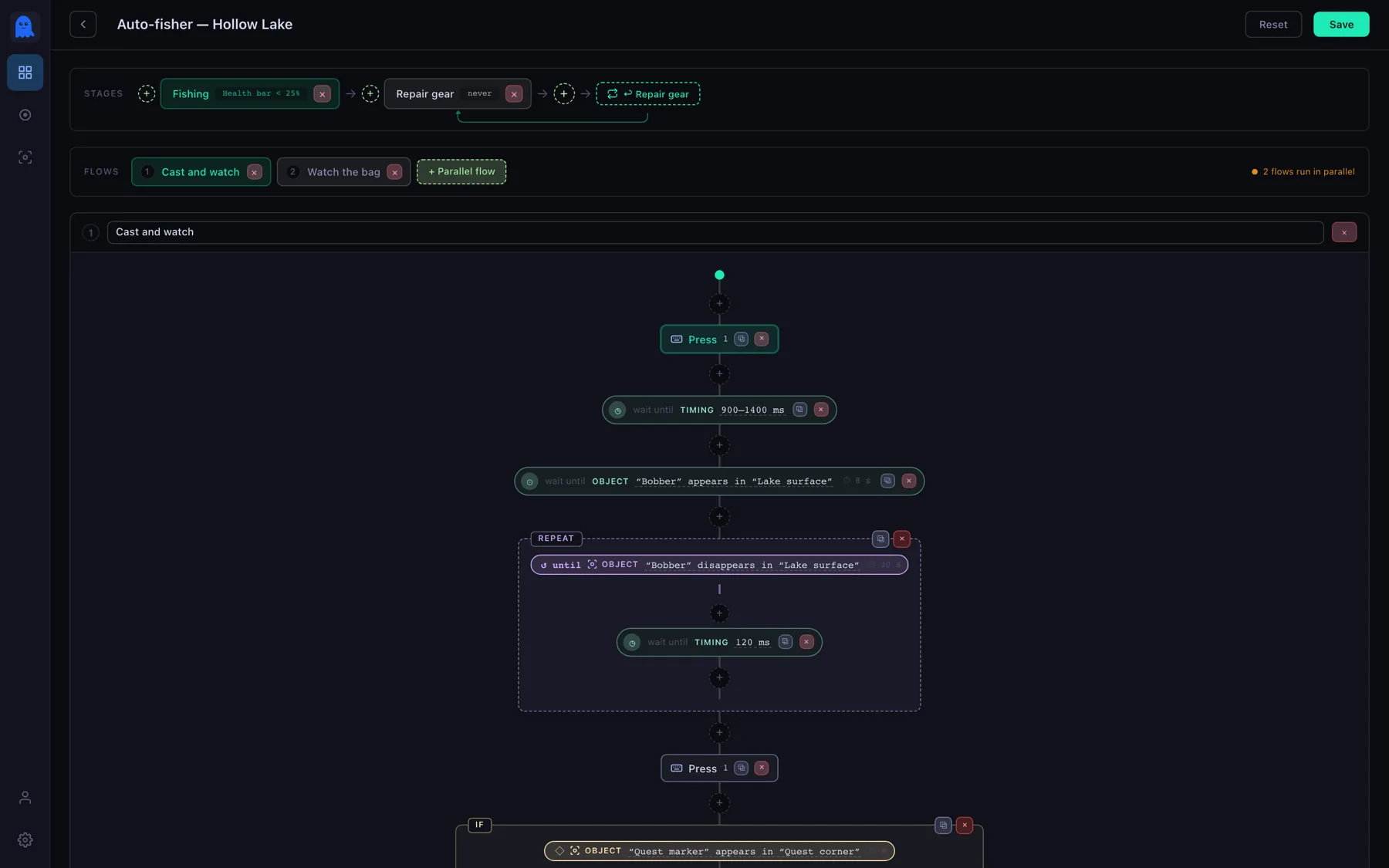
You build it visually. A macro has a trigger key and one or more stages; a stage holds parallel flows; a flow is a chain of steps you drag together — press a key, pause, wait for an object, branch, loop.
Nothing here is a script. There is no language to learn, no timing to guess at, and no "record and pray": every step, condition and timeout is visible on one rail, and any of them can be changed in place.
Seeing
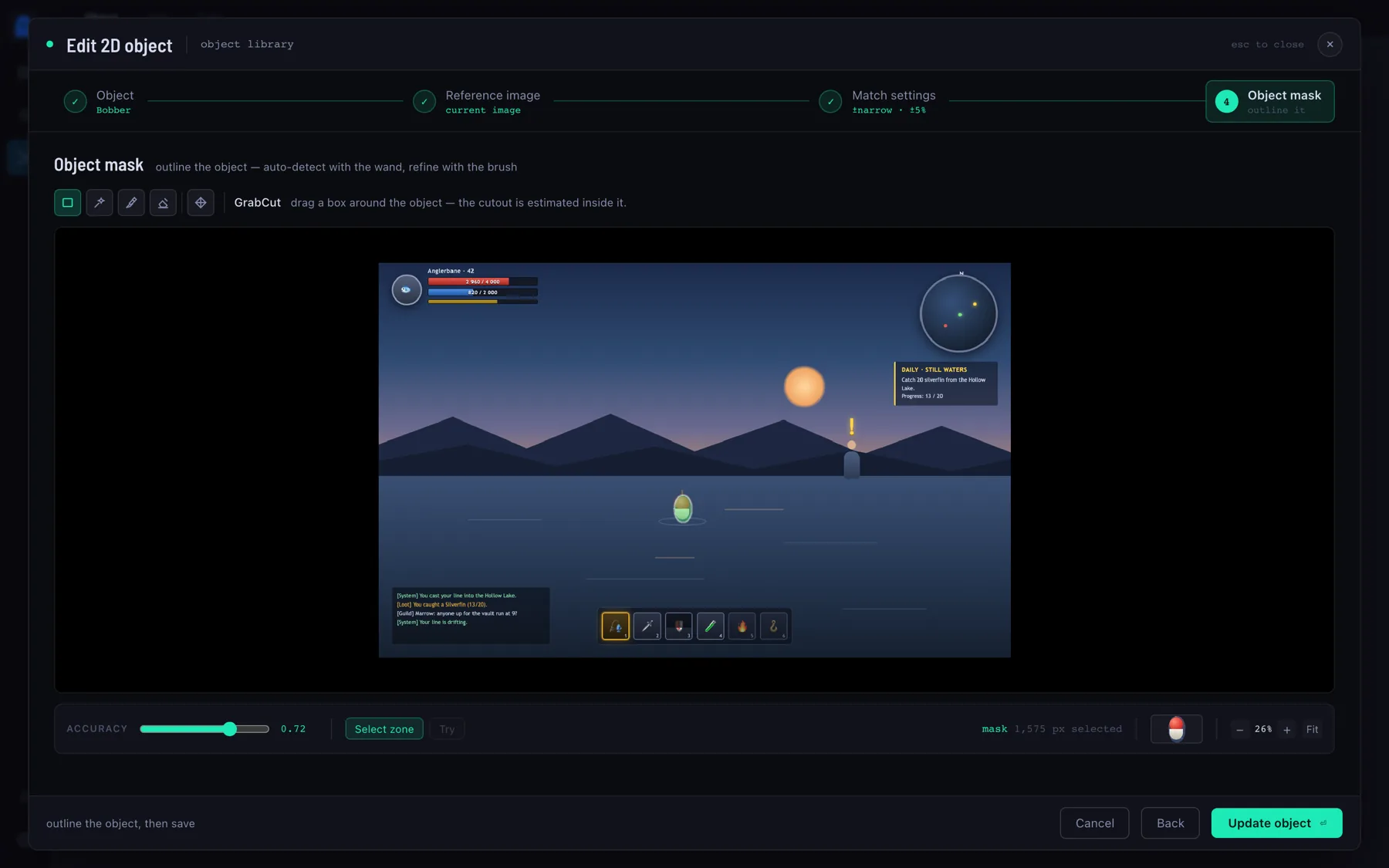
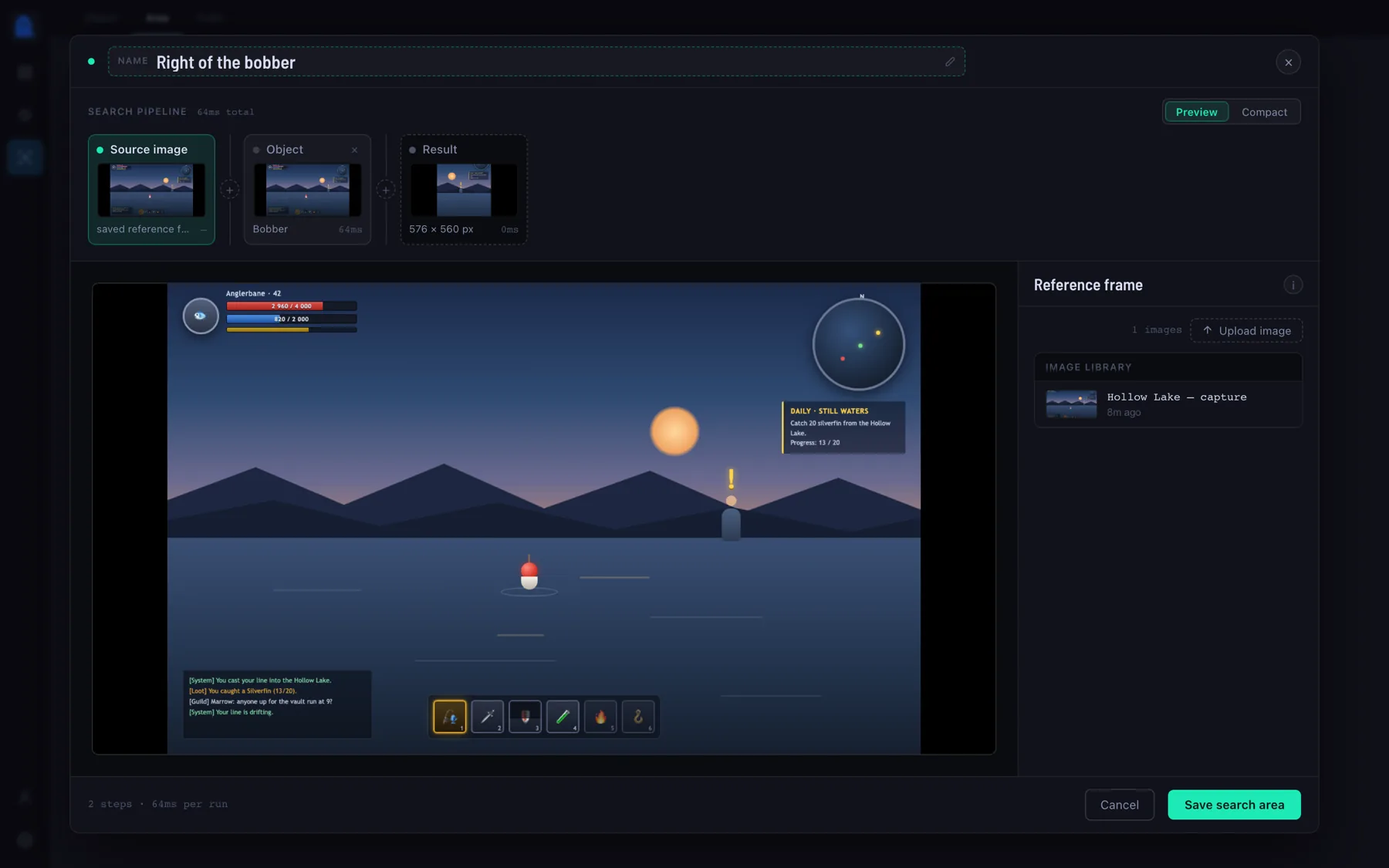
Take a screenshot, outline the thing inside it, and say how much it is allowed to change. From then on it is a condition you can wait on, branch on, or aim a click at.
Wire triggers to conditions to actions, and let Polter Click sit in the tray and run the routine — for as long as you need it to.
Press, hold and release any key or chord — and type whole strings, character by character, at the speed you set.
Move to a point, glide along a heading, or find an object and move onto it — then click it, however many times you need.
Wait for an image to appear or vanish, or for a colour bar to cross a level. It keeps looking so you don't have to.
Several flows in one stage run at the same time — cast, watch a bar and post a message on a timer, all from one macro.
If / else, repeat-until, break — and named stages that hand off to each other when a condition says the phase is over.
Turn on the recorder, play normally, and get back an editable flow — clicks, holds and typing already grouped for you.
Close the window and it keeps running in the background — there when you need it, invisible when you don't.
A macro exports as one file that carries its objects, areas and colours with it — and imports with a review step, not a mess.
The screen is only captured while something is actually watching it, at a frame rate and resolution you choose.
Before you download
Windows 10 and 11, 64-bit. It installs into your own user folder, so there is no administrator prompt. There is no macOS or Linux build to download today.
That depends on the program or the game, and only its rules can answer it. Polter Click is not a bot — it plays nothing for you and knows nothing about the game; it presses the keys you told it to press. But plenty of programs and online games forbid automated input of any kind, and some ship anti-cheat that looks for it. Read those rules first, and where automation is not allowed, don't use it — that decision, and what follows from it, is yours. We are here to make repetitive things comfortable, not to hand anybody an edge.
Your macros, images and settings live in a local database on your machine, and screen captures are read in memory to answer a condition. The only thing it reaches out for on its own is checking whether a newer version has been published.
No. Every step, condition and timeout is a control in the editor. If you would rather not build at all, record yourself doing the thing and edit the result.
For Windows 10 and 11. Set your first trigger in a couple of minutes.
NSIS installer · per-user, no admin rights · auto-updates itself